Schedule, App and Map
GRE 7.0 info coming soon
NOTE: To upgrade from a floor pass to VIP pass level. Simply click the red button and during check out for a VIP ticket use promo code: UPGRADEVIPPASS1 then head to registration for a printed badge.
Scan to download the official GRE Eventdex Show App!
Please review the steps below before downloading to ensure a smooth setup and access to all event features.If you experience any issues downloading or accessing the app, support contact information is provided below for assistance.
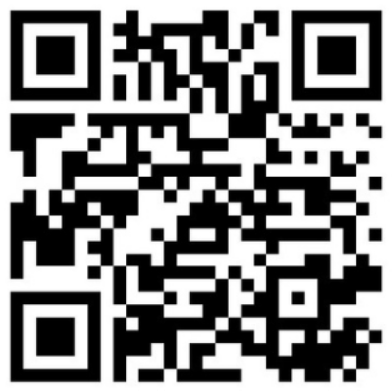
Note: The button and QR code works only with Android and Apple phones.
Need Assistance with the app?
Contact eventdexsupport@nextechar.com
For anything else not related to the app email
info@gadgetrepairexpo.com
All-inclusive event app – everything in one place
- Update your profile & social details Access agenda, exhibitors & floor plan Save sessions to favorites
- View speaker bios
- Access event documents
- Navigate with location maps
- Receive real-time notifications
How to Login to the App:
- Scan the QR code or click on the button above to download the app
- Tap on Login and enter your registered email address
- Select the event to access the Dashboard.
- Your Deafult Password is: GREATC2026
Update your profile
- Tap the menu icon (☰) in the top-left corner
- Select Profile from the menu
- Upload your photo
- Add your social information